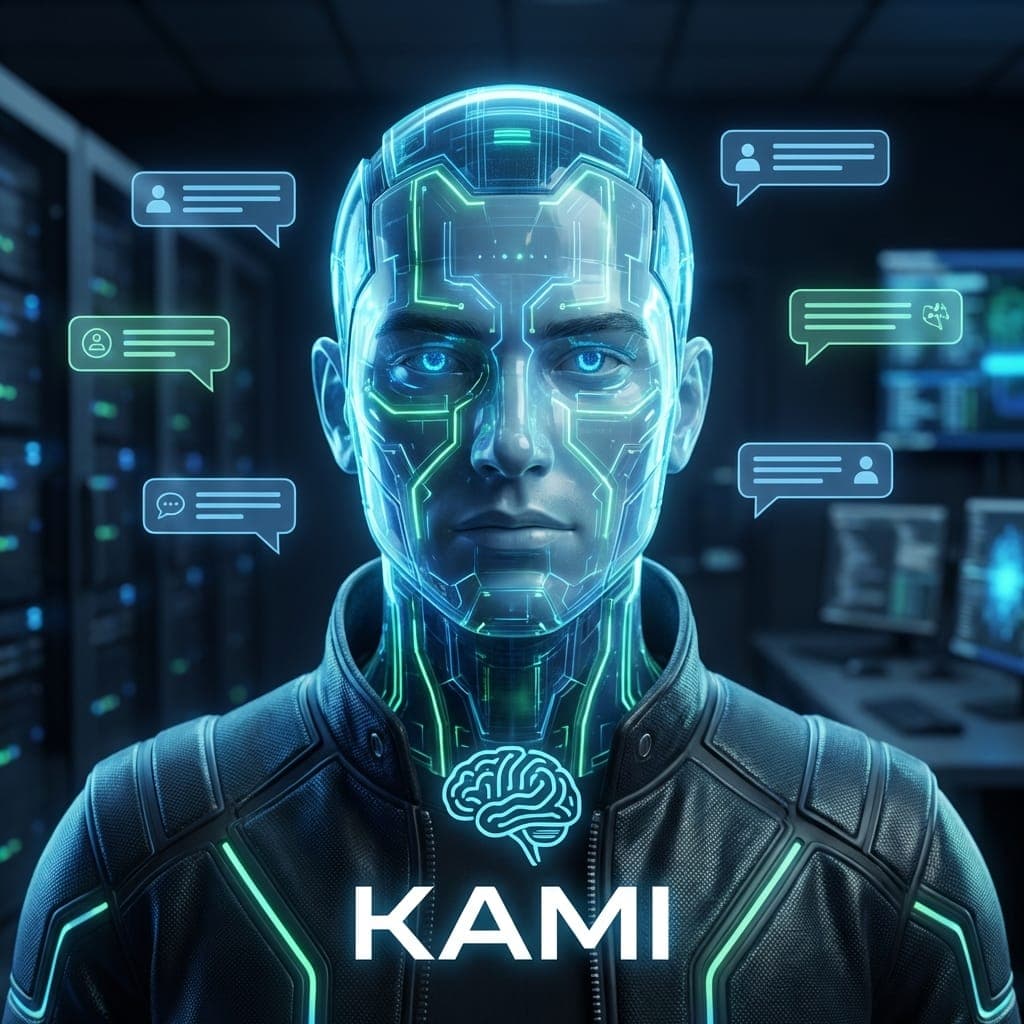
Kami — The Complete Guide
A personal AI assistant that lives inside WhatsApp — it listens, speaks, and remembers your conversations
Kami is a personal AI agent that lives inside WhatsApp — the messaging app we already use every day. Instead of opening yet another app like ChatGPT or Claude, you simply send a message to a WhatsApp number and get a reply, either in text or in voice. Under the hood, Kami is a service I built in TypeScript (the modern, type-checked version of JavaScript) that runs 24/7 on a small private server. It connects to WhatsApp through Green API — a lightweight, secure gateway that shuttles messages between WhatsApp and my code. When a message arrives, it is processed by Claude Sonnet — one of the most capable large language models (LLMs, AI systems trained to understand and generate text) on the market today. If the message is a voice note, it is transcribed into precise Hebrew by Gemini (free, with fallback to Groq and Whisper); when Kami replies, it can answer with a spoken voice generated by Google Gemini TTS (free and natural sounding). Kami's signature ability is memory: it remembers older conversations using a specialized database (Qdrant, explained in its own guide), so you can pick up on an idea you started a week ago and continue from exactly where you left off. For me (Elad), Kami has become something like a chief of staff: it sends a morning briefing, reminds me of tasks, and handles my voice messages while I'm on the road. For you, the exact same architecture can power smart 24/7 customer support, a personal tutor that walks a student through their work, a digital family companion, or any other use case you can imagine for a conversational agent that lives inside WhatsApp.
What this guide covers
What exactly is Kami?
Your personal WhatsApp agent — with real depth
Kami is a personal AI agent built by Elad — a small service written in TypeScript (the modern, type-checked flavor of JavaScript), running 24/7 on a private server (a VPS — Virtual Private Server, essentially a computer rented on the internet), and connected to WhatsApp through a gateway called Green API. When a WhatsApp message arrives, Kami forwards it to Claude Sonnet (one of today's most capable LLMs), which understands it and produces a reply — which flows right back to you on WhatsApp, as text or as voice.
Set it up in 15 minutes
What you need and how to get started
Setting up Kami is a one-time process that takes about fifteen minutes for anyone with a technical background. You only need three things: a Green API account (free up to 1,000 messages a month), a Claude API key from Anthropic, and a small, inexpensive VPS (a virtual server rented on the internet, such as Hetzner for €5 a month). Once it is running — it just works, with no ongoing maintenance.
Voice: hearing and speaking
Whisper transcription → Claude → Gemini TTS
This is the feature that has already become the number-one reason people adopt Kami — being able to talk to it out loud throughout the day. You record a regular WhatsApp voice note (just like you would to any friend), Kami listens, understands, and replies back in voice — which turns it into a real assistant for moments when you are driving, walking, or have your hands full.
Semantic memory with Qdrant
Not just the last message — the last 1,000, retrieved by meaning
Kami's memory lives inside Qdrant — a vector database (a specialized store that retrieves information by meaning rather than exact keywords). Every message you send Kami, and every reply it produces, is converted into an embedding (a numeric 'fingerprint' that captures meaning — a sequence of 768 numbers in our case) and stored for future retrieval.
Proactive — not just reactive
Morning briefings, end-of-day summaries, idea tracking
Kami is not just another bot that waits for you to reach out — it runs cron jobs (scheduled tasks that fire automatically at fixed times, like an alarm clock for the system) that let it start conversations whenever it makes sense. That turns it from a reactive tool into a personal assistant that knows when to get in touch — very much like a secretary who reminds you about your next meeting.
Bridge to other agents
Kami talks to Claude Code and Kaylee via messages.jsonl
Kami is not a lone agent — it is part of a network of agents that talk to each other. The bridge between them is implemented as a bridge file called messages.jsonl (a plain text file where each line is a single JSON message — a simple, resilient format that every programming language can read and write). This lets Kami forward requests to Claude Code on my machine, or to Kaylee on the VPS, and route the replies back.
Advanced tips and automation
Lessons learned after six months of daily use
These are the small things I (Elad) have learned after six months of using Kami every single day — the details that separate a generic bot from a personal agent that genuinely works for you. Each of them either fixed a bug for me or unlocked a meaningful capability, and they are all worth the time it takes to understand them.